
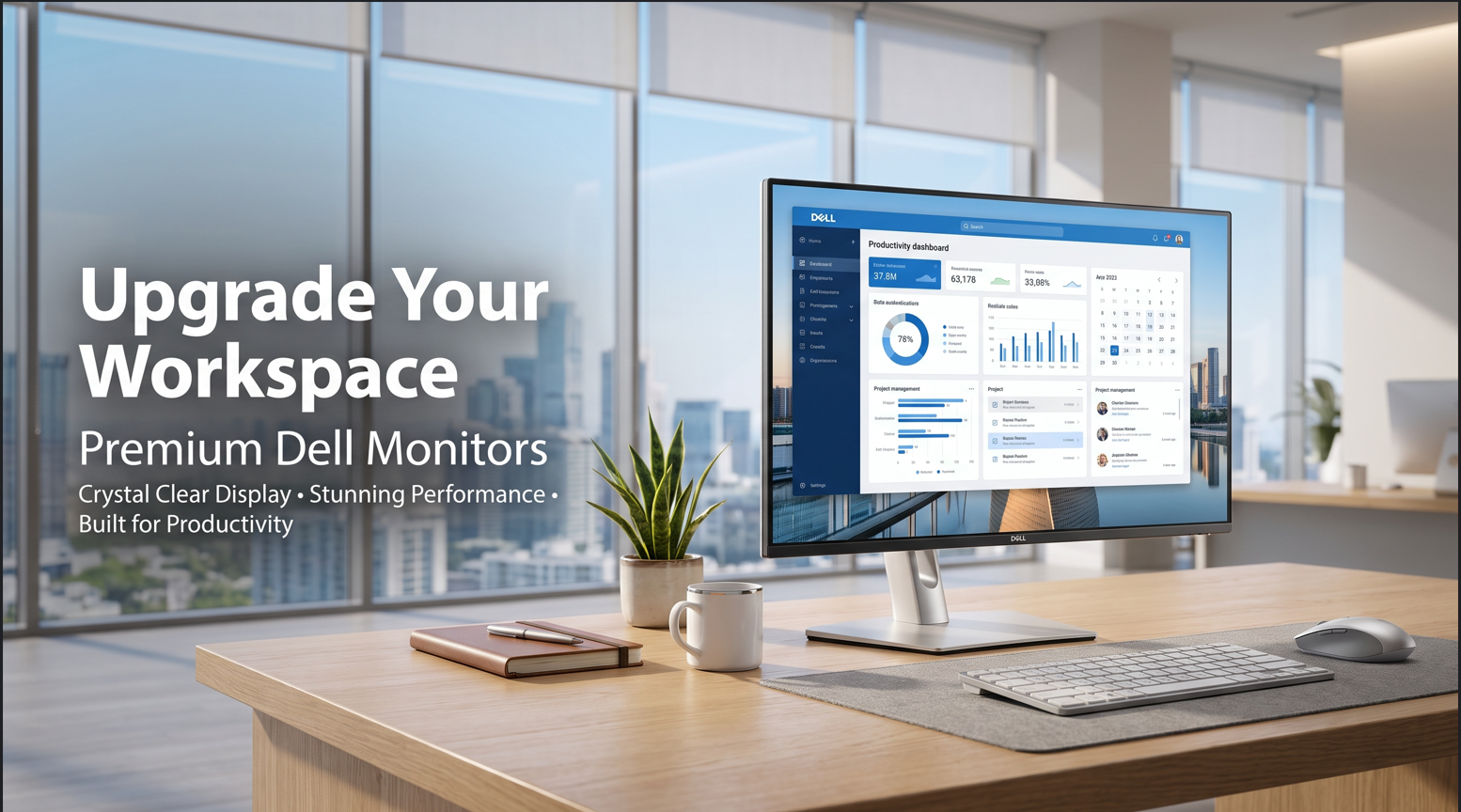
Best Computer Monitors in South Africa – Complete Buying Guide
Whether you're working from home, managing a business, studying online, editing videos, or enjoying the latest games, choosing the right computer monitor can dramatically improve your experience. A high-quality monitor delivers sharper images, better colour accuracy, smoother performance, and increased productivity.
With so many monitor options available in South Africa, it can be difficult to decide which one best suits your needs. This guide explains everything you need to know before buying a computer monitor.
Why Choosing the Right Monitor Matters
A monitor is more than just a display—it directly impacts your comfort, efficiency, and overall computing experience.
A quality monitor offers:
- Sharp and vibrant visuals
- Reduced eye strain
- Better multitasking
- Improved productivity
- Enhanced gaming performance
- Professional colour accuracy
Whether you're setting up a home office in Johannesburg, running a business in Cape Town, or building a gaming setup in Durban, investing in a reliable monitor is a smart long-term decision.
Types of Computer Monitors
Office Monitors
Office monitors are designed for everyday productivity.
Ideal for:
- Business users
- Students
- Home offices
- Online learning
- Accounting
- Administrative work
Popular sizes:
- 22-inch
- 24-inch
- 27-inch
.png)
Gaming Monitors
Gaming monitors provide smoother gameplay with higher refresh rates and lower response times.
Features include:
- 144Hz or 165Hz refresh rate
- 1ms response time
- AMD FreeSync
- NVIDIA G-SYNC compatibility
- Curved display options
Perfect for competitive gaming and immersive entertainment.
Professional Monitors
Creative professionals benefit from monitors with excellent colour accuracy.
Best for:
- Graphic design
- Video editing
- Photography
- Architecture
- CAD design
Look for IPS panels with high colour accuracy and wide viewing angles.
Choosing the Right Screen Size
Your monitor size depends on your workspace and intended use.
| Screen Size | Best For |
|---|---|
| 22-inch | Office work & students |
| 24-inch | Home office & business |
| 27-inch | Productivity & gaming |
| 32-inch | Professional editing |
| 34-inch Ultrawide | Multitasking & content creation |
Understanding Monitor Resolution
HD (1366 × 768)
Suitable for basic computing tasks.
Full HD (1920 × 1080)
The most popular resolution in South Africa.
Ideal for:
- Office work
- Online meetings
- Streaming
- Education
.png)
Quad HD (2560 × 1440)
Offers sharper images and more workspace.
Excellent for professionals and gamers.
4K Ultra HD (3840 × 2160)
Perfect for:
- Video editing
- Graphic design
- Professional photography
- Premium entertainment
IPS vs VA vs TN Panels
IPS Panel
Advantages:
- Excellent colours
- Wide viewing angles
- Best for office and creative work
VA Panel
Advantages:
- Better contrast
- Deeper blacks
- Great for movies
TN Panel
Advantages:
- Fast response time
- Lower price
- Suitable for competitive gaming
Important Features to Consider
Refresh Rate
Higher refresh rates provide smoother visuals.
- 60Hz – Office work
- 75Hz – General use
- 100Hz – Productivity
- 144Hz – Gaming
- 165Hz+ – Professional gaming
Response Time
Lower response time means less motion blur.
Ideal:
- 1ms–5ms
Connectivity
Choose monitors with:
- HDMI
- DisplayPort
- USB-C
- VGA (for older computers)
Multiple connectivity options increase compatibility.
Eye Care Technology
Modern monitors include:
- Flicker-Free technology
- Low Blue Light mode
- Anti-glare coating
These features help reduce eye fatigue during extended work sessions.
.png)
Benefits of a High-Quality Monitor
A premium monitor helps you:
- Increase productivity
- Improve multitasking
- Reduce eye strain
- Enjoy sharper visuals
- Enhance gaming performance
- Produce professional-quality creative work
Best Monitor Uses
Computer monitors are perfect for:
- Business offices
- Home offices
- Schools
- Universities
- Graphic design
- Video editing
- CCTV monitoring
- Gaming
- Programming
- Online meetings
Tips for Buying a Monitor in South Africa
Before purchasing, consider:
- Screen size
- Resolution
- Panel type
- Refresh rate
- Warranty
- Brand reputation
- Connectivity
- Energy efficiency
Well-known brands like Dell, HP, Samsung, LG, Acer, ASUS, Lenovo, and Philips offer a wide range of reliable monitors suitable for South African homes and businesses.
Why Buy Your Monitor from a Trusted South African Retailer?
Buying locally offers several advantages:
- Faster delivery across South Africa
- Local warranty support
- Easier returns
- Competitive pricing
- Reliable after-sales service
Whether you're upgrading your office, setting up a gaming station, or replacing an old display, purchasing from a trusted South African retailer gives you added peace of mind.
Final Thoughts
A quality computer monitor is one of the best investments for improving productivity, comfort, and entertainment. From compact office displays to high-performance gaming monitors and professional 4K screens, there is a monitor to suit every need and budget.
If you're shopping for computer monitors in South Africa, focus on display quality, resolution, refresh rate, connectivity, and ergonomic features. Choosing the right monitor today will provide years of reliable performance for work, study, or play.